Diese Website ist nur in der mobilen Version verfügbar.
Entdecke Borderless Banking am Desktop in unserer interaktiven Büro-Experience.
Zur ExperienceAuf deinem Smartphone kannst du die mobile Website direkt öffnen.
Entdecke Borderless Banking am Desktop in unserer interaktiven Büro-Experience.
Zur ExperienceAuf deinem Smartphone kannst du die mobile Website direkt öffnen.
An access layer, not a bank
Borderless Banking is a crypto technology platform, not a bank, building wallets, cards and payment infrastructure for people and businesses who want to use digital assets as money.
Borderless Banking
Borderless Banking was created to bridge the gap between digital assets and their use in everyday finance. The focus is on payments, access and everyday financial activity, not only on crypto as an investment.
Guides and news on crypto cards, wallets, stablecoins and cross-border payments, published by Borderless Banking on its current blog.
Articles open on the current Borderless Banking blog. bbanking.capital/blog
The fastest way to an answer is the help centre. If it does not cover your question, write to us.
5 categories, 17 articles
Articles on getting started, KYC, the wallet, virtual cards, physical cards and gift cards. Please look here first.
support@bbanking.capital
Write to support@bbanking.capital with questions about your account, a card, the wallet or a payment.
Online form, 4 fields
A short online form: your email, your full name, the topic of your request and a description of the issue.
concierge@bbanking.capital
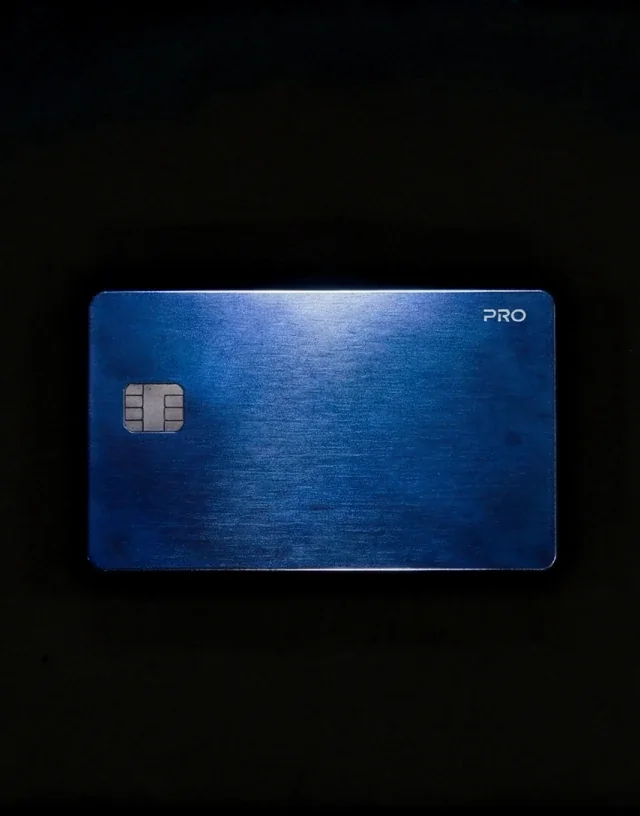
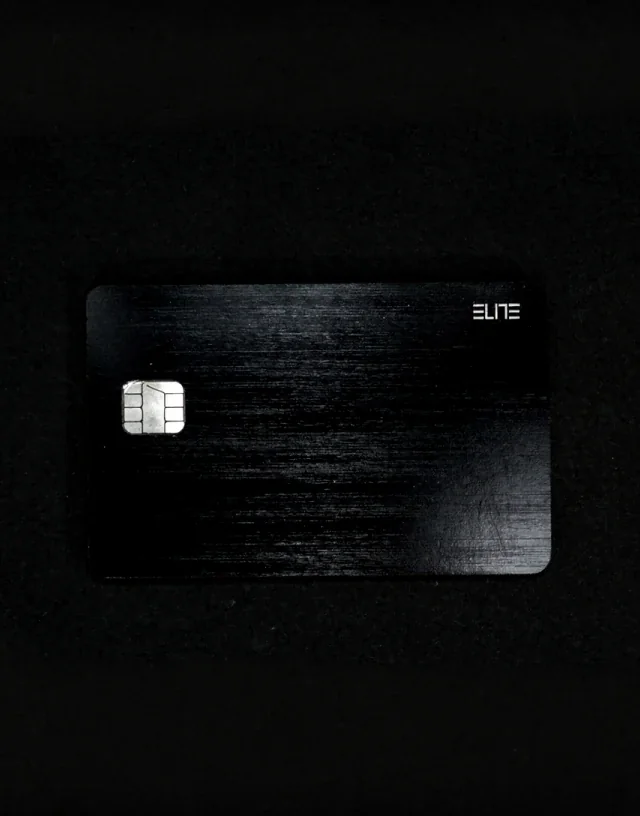
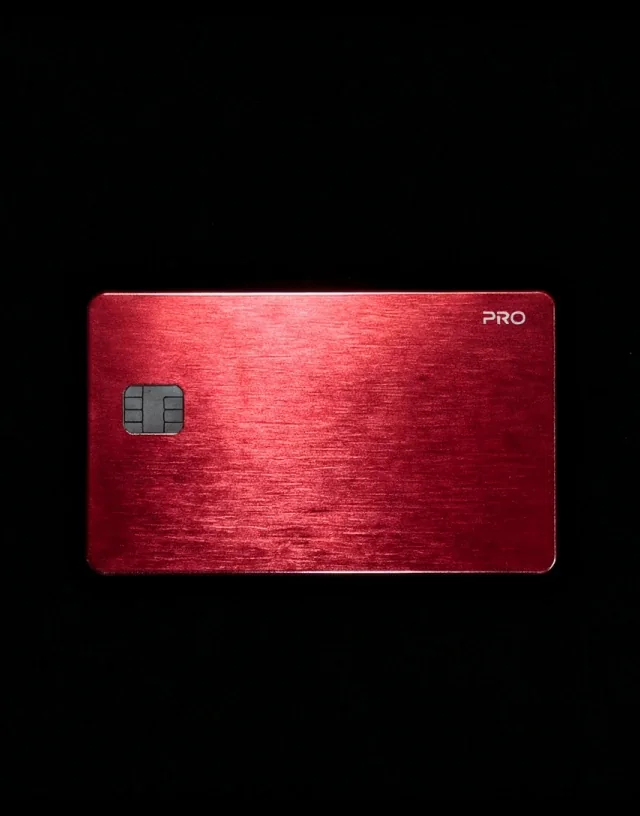
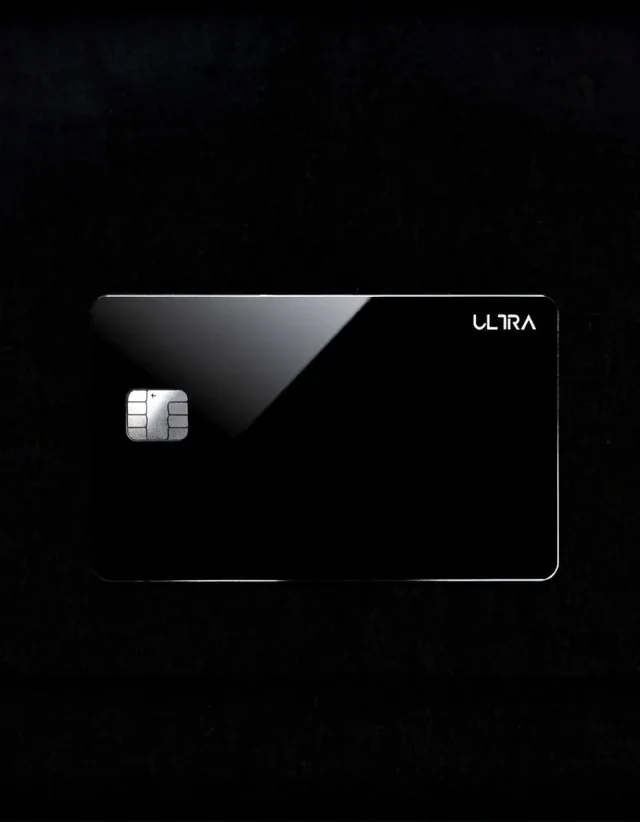
For the PRO, ELITE, ULTRA and TITAN metal cards only: requests and questions go to concierge@bbanking.capital.
The help centre has five categories. Some articles appear in more than one of them.
01 // Category
What it covers: Creating an account, completing KYC and first steps with the wallet, cards and services.
02 // Category
What it covers: The Borderless Banking Wallet. At the moment the category holds one article, on using a virtual card.
03 // Category
What it covers: Ordering, buying, topping up and using virtual crypto cards, and withdrawing from the wallet.
04 // Category
What it covers: Ordering a physical card, customising its design, topping up and withdrawing.
05 // Category
What it covers: What crypto gift cards are, how to buy and redeem them, and whether they are safe.
The help centre currently opens over plain HTTP, so your browser may mark it as not secure. It holds articles; never enter card numbers or passwords there.
Send the support team a written request about your account, card, payment or verification; the form opens on JotForm, the service that runs it.
Four fields, all required. Have your order or card ID ready if your request is about a specific product.
Field
What to enter
The email address you use with Borderless Banking. It is the only contact detail the form collects.
What to enter
Your first and last name.
What to enter
Choose one topic: Account Problem, Card Issue, Payment not working, Verification / KYC, General Question or Other.
What to enter
What happened, when, and with which product. Add your order or card ID if you have one.
The form is run by JotForm, a third party, so what you enter is processed there. Never enter full card numbers, PINs, passwords or wallet recovery phrases.
Open the ticket formThe form has no field for attachments. If screenshots help, send them by email to support@bbanking.capital from the same address.
Articles on getting started, KYC, the wallet, virtual and physical cards and gift cards.
Write to support@bbanking.capital if you prefer email or want to send screenshots.
For the PRO, ELITE, ULTRA and TITAN metal cards only: concierge@bbanking.capital.
All support options, what to include in a request and response times.